Turn Screen Time Into Build Time (Without Starting a Screen War)
How to shift your kid from consuming screens to creating with them, without a fight. Swaps, the science of displacement, and what to try this week.

The short answer
Stop fighting about how long the screen is on and start changing what it is used for. The real divide is creating versus consuming: only about 3% of teens' screen time goes to making things, while 39% is passive watching. You do not need to confiscate the device. You need to swap a few consuming hours for creating ones, by pointing the same screen at coding, designing, filming or building.
Almost every parent has the same recurring argument, and it is almost always about time. How many minutes, how many hours, when does it stop. It is exhausting, nobody wins, and it misses the more useful question entirely.
The better question is not how long the screen is on. It is what the screen is doing. A device can be the single most powerful build tool in your house, or the most efficient way ever invented to waste an afternoon, and the difference has very little to do with the clock.
This is the practical version: how to shift your kid from consuming a screen to creating with it, without a daily fight, and what you can actually try this week.
The real divide: creating versus consuming
Here is the number that reframes the whole thing. According to the Common Sense Census, when researchers looked at how teens actually spend their screen time, only about 3% went to creating things (coding, writing, making music or art) while 39% was passive consumption (watching and scrolling). The rest was communication and other interactive use.
Sit with that gap for a second. Most kids are already on screens for hours. The opportunity is not to win those hours back to a screen-free fantasy that, realistically, is not coming. The opportunity is to move some of them from the 39% into the 3%.
That is a far more winnable battle than "less screen time," because you are not asking your kid to give something up. You are pointing the thing they already love at making something of their own.
Why young kids are the exception
One honest caveat before the swaps. For young children, raw amount genuinely does matter more. The American Academy of Pediatrics suggests around an hour a day of high-quality programming for ages 2 to 5, and the reasoning is specifically about displacement: at that age, passive screen time crowds out the hands-on play, movement and face-to-face talk that young brains are built to learn from.
So this is not "screens are always fine if they are creative." For little ones, less is genuinely more, and the building should mostly be physical, cardboard, blocks, water, mud. The creating-versus-consuming lens really comes into its own from primary-school age upward, when a screen can start to be a serious maker's tool.
The swap, not the ban
The instinct, when you decide screens have tipped too far, is to cut them. Banning works for about a day and then turns into a cold war. Swapping works better and lasts longer, because you are adding an option rather than only taking one away.
The move is to redirect an existing interest into making. Whatever your kid already pours hours into, there is almost always a creating version of it:
- Watches gaming videos for hours? They can build a game (Scratch, Roblox Studio, a Minecraft world with redstone logic).
- Glued to makeup or craft tutorials? They can film and edit their own.
- Loves a particular show or YouTuber? They can animate a scene, write fan fiction, or make a parody.
- Obsessed with a sport? They can make a highlight reel, run the stats, design a kit.
- Into music? Make a track in a free app, not just stream other people's.
The pattern is always the same: start from what they already consume, and ask what the made version would look like. You are not fighting the interest, you are upgrading it.
Make creating easy and consuming slightly harder
Kids, like all of us, follow the path of least resistance. If watching is one tap away and creating means finding a charger, an app and a tutorial, watching wins every time. So tilt the friction.
Make creating easier:
- Have the build tools already installed and the kit already out (the half-built thing on the table is an invitation).
- Sit with them for the first session of anything new. The blank-screen moment is where most kids bail; get them past it and momentum takes over.
- Keep the first project tiny and winnable. One working thing beats one ambitious thing they never finish.
Make consuming slightly less frictionless:
- Log out of the autoplay services so it takes a deliberate choice to start.
- Move the most passive apps off the home screen.
- Make consuming a thing you do together sometimes (co-viewing), so it is less of a solo default.
You are not trying to make watching impossible. You are trying to make creating the easier, more obvious choice often enough that it becomes a habit.
What does this look like this week?
Skip the grand plan. Pick one thing:
- Find the interest. Notice what your kid already watches or plays the most.
- Find its maker version. Search "how to make a [that thing]" with them, once.
- Do the first session together. Twenty minutes, one tiny win, then leave them to it.
- Display the result. Let them show you, or the family, what they made. Being a maker who ships beats being a watcher, and a bit of an audience makes it stick.
That is it. You have not declared war on the device. You have quietly moved one slice of screen time from the 39% to the 3%, which is the entire game.
Key takeaways
- The useful question is not how long the screen is on, but whether your kid is creating or consuming. Only about 3% of teen screen time goes to making things; 39% is passive watching.
- For ages 2 to 5, amount still matters: aim for around an hour a day of quality programming, because passive screens displace the play young brains need.
- Swap, don't ban. Redirect an interest your kid already has into its maker version, a game player becomes a game builder, a tutorial watcher becomes a tutorial maker.
- Tilt the friction: make creating one tap away and sit through the first session; make passive consuming a slightly more deliberate choice.
- Start small this week. One interest, one tiny build, done together once, then displayed. Habit beats lectures.
This is part of Learn by Doing: A Parent's Guide to Raising a Kid Who Builds. For build ideas by age, see What Can My Kid Actually Build?; to point a screen at real coding, see the age-by-age guide to coding, robotics and AI.
Common questions
- Is screen time actually bad for my kid?
- It depends almost entirely on what the screen is being used for. Passive watching and endless scrolling have the weakest case, especially for young children, where they displace play and movement. But the same device can be where a kid codes, designs, films or builds, which is genuinely valuable. The honest answer is that 'screen time' is too blunt a measure; creating versus consuming matters far more than the raw number of minutes.
- How much screen time is okay?
- For ages 2 to 5, the American Academy of Pediatrics suggests around an hour a day of high-quality programming, mainly because passive screens displace the play young brains need. For older kids there is no single magic number; what matters is balance, content and whether the screen is replacing sleep, movement and real-world building. A useful test is not 'how long' but 'consuming or creating.'
- How do I get my kid to create instead of just watch?
- Start by pointing what they already love at making something. A kid who watches gaming videos can build a game; one who watches makeup tutorials can film their own; one who loves a show can animate a scene from it. Make creating slightly easier and consuming slightly less frictionless, then get out of the way. You are redirecting an existing interest, not imposing a new one.
- Won't limiting consumption just cause a fight?
- It can, if the message is 'screens are bad.' It lands far better as 'let's make something with it.' Swapping is less of a fight than banning because you are adding an option, not just removing one. Sit with them for the first build, keep it short and winnable, and let the satisfaction of making something do the persuading.
Sources
The weekly build prompt
One short email a week: a small, concrete thing your kid can build or try this weekend, plus the occasional story of a real family who built something. No spam, no lectures.
Keep reading
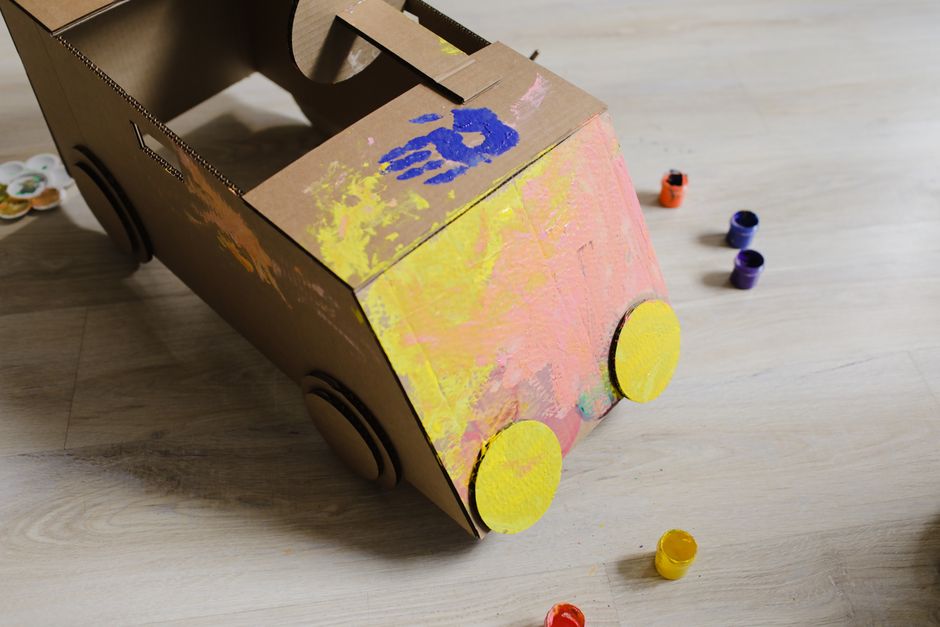
Learn by Doing: A Parent's Guide to Raising a Kid Who Builds
A practical, parent-facing guide to learning by doing at home: the method, the science that holds up, and how to raise a kid who builds, by age and budget.
Read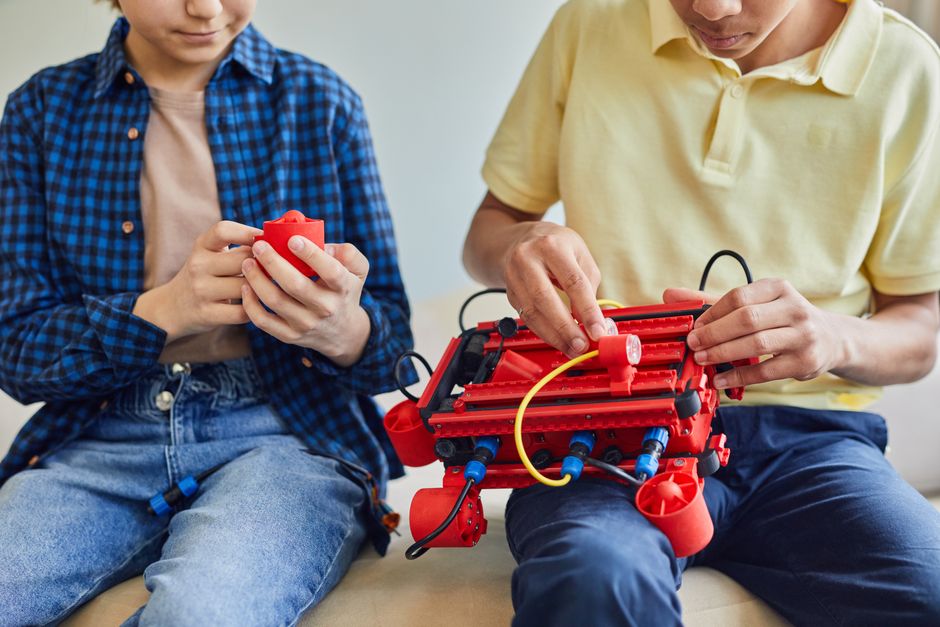
What Can My Kid Actually Build? A By-Age Guide
A realistic, by-age guide to what kids can build at home, from cardboard at 4 to a shipped project at 14, matched to what each stage can actually handle.
Read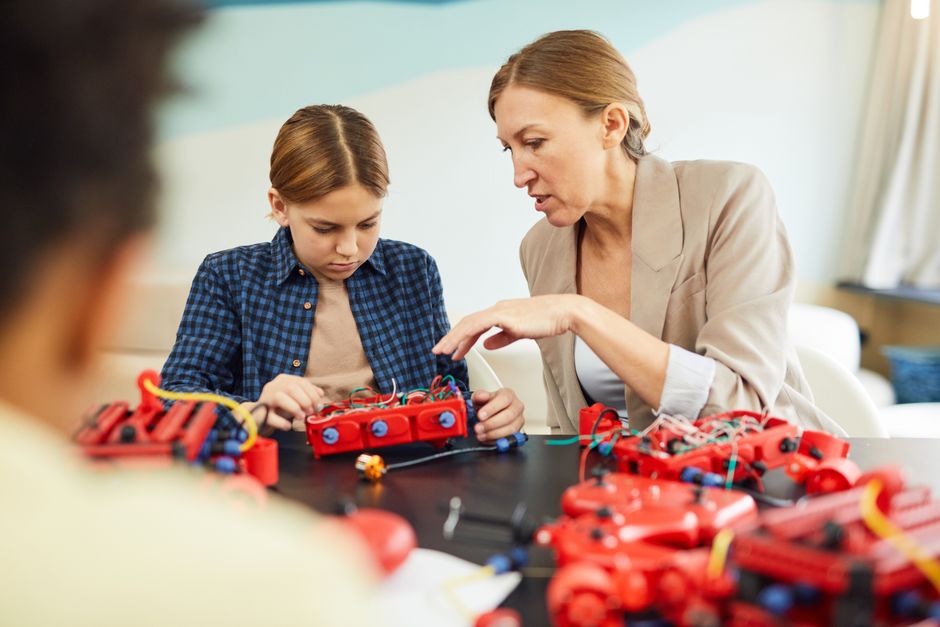
Coding, Robotics & AI for Kids: What's Worth It, and What's Hype
An honest, vendor-neutral guide to coding, robotics and AI for kids: what actually builds skills, what just sells kits, and what to do first by age.
Read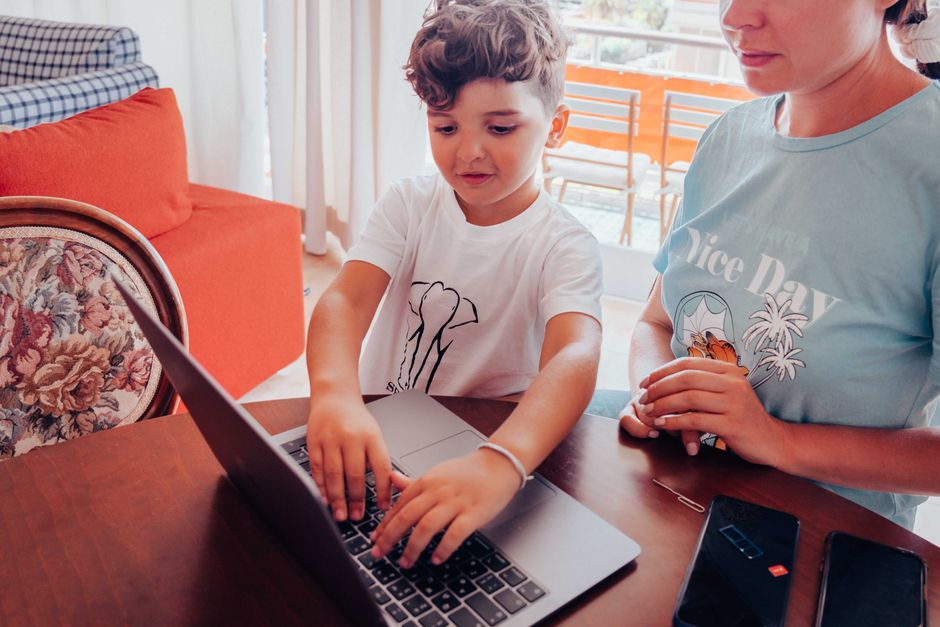
Teaching Your Kid to Use AI Well (Not Just Avoid It)
Your kid already uses AI. Make it a tool for thinking, not a shortcut around it: the rule is they draft first, AI never finishes. Here's how, by age.
Read